• Welcome to BLIS Portal. If you have any problem in accessing the service please contact 03-2631 1382 (Mr. Wan Mohd Rady) and 03-2631 1378 (Ms. Shahirah) or email to blisadmin@bernama.com
  • SELAMAT DATANG KE PORTAL PANGKALAN DATA BLIS. PELAWAT YANG BERMINAT UNTUK MELANGGAN SILA HUBUNGI PEGAWAI KANAN KAMI ENCIK IZZUL ZUNNURAIN DI TALIAN 03-2631 1394 ATAU EMAIL izzul@bernama.com
logo
 

Help

Help for BLIS.

Need Help?

Call us and we will connect you with a team member who can help.

603-2693 9933

Subscription

Step 1 Go to Subscribe
Step 2 Click on selected Subscriber or Bulk Subscriber or Trial User box
Step 3 Fill in these fields:

  1. First Name
  2. Last Name
  3. User Name
  4. Password
  5. Re-Type Password
  6. User Type
  7. Number of Session (for Bulk Subscriber only)
  8. IP Address (for Bulk Subscriber only)
  9. Article Access Count (for Trial User only)
  10. E-mail Address
  11. Phone Number
  12. Secondary Phone Number (optional)
  13. Organization Name (optional)
  14. Address
  15. Zip/Code
  16. City
  17. State
  18. Country
  19. Set Timeout Session
  20. Security Question
  21. Answer


Step 4 Click “Next” button
Step 5 Check and tick on subscription checkbox
Step 6 Agree with the Terms and Conditions
Step 7 Click “Submit” button
Step 8 An Email will be send to registered email. Admin will reply to your email to verify and confirm your registration before your login ID activated.
***You may not use your login ID yet until Admin verify and confirm your details.


Video Tutorial

BLIS Users are divided into THREE types of user.


TRIAL USER
Trial User entitles for One (1) login ID with a limited access of articles and short time expiry date. Trial user is FREE to sign up, however, once register, BLIS Administrator will review user's details and activate before you can use the ID registered.


SUBSCRIBER
Subscriber entitles for One (1) login ID with no limited access of article. The subscriber can subscribe a Module they preferred with a minimum fee RM3600 per year and One (1) year subscription period. Login ID will be activated by BLIS Administrator after payment has been made by the subscriber.


BULK SUBSCRIBER
This type of Subscriber entitles for One (1) login ID which can be accessed up to 50 login per time and has no limited access of article. The subscriber can subscribe a Module they preferred with a minimum fee RM3600 per year and One (1) year subscription period. Login ID will be activated by BLIS Administrator after payment has been made by the subscriber.

You may view your subscription once you are login to BLIS

Go to Subscribe to view your subscription.


Video Tutorial

Yes. Please contact our Sales person or Administrator (here) if you wish to upgrade or downgrade your subscription.

Located at the Top Right of screen
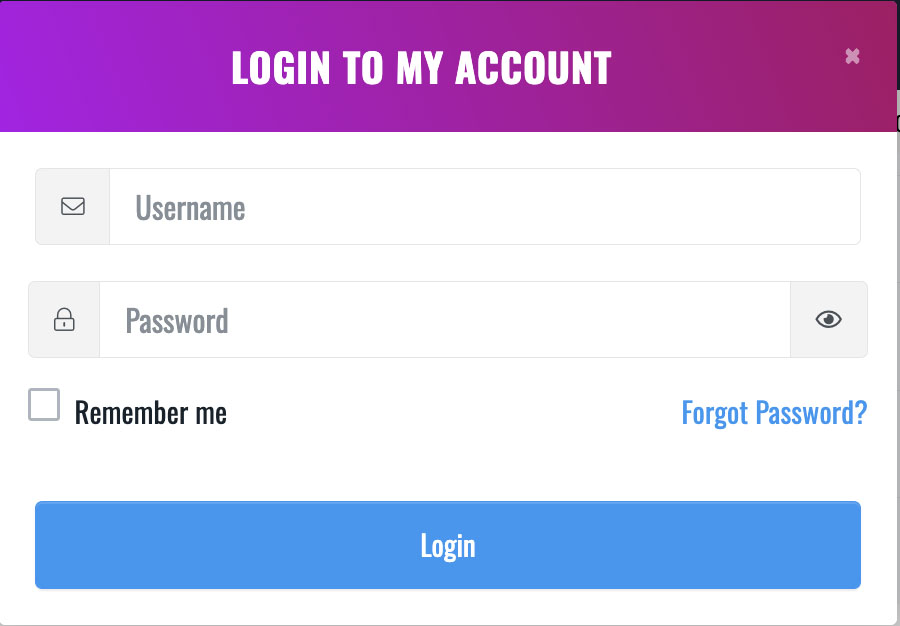
Step 1 Click Login

Step 2 Insert Username
Step 3 Insert Password
Step 4 Tick "Remember Me" (Optional)
Step 5 Click “Login” button or press “Enter”


Video Tutorial

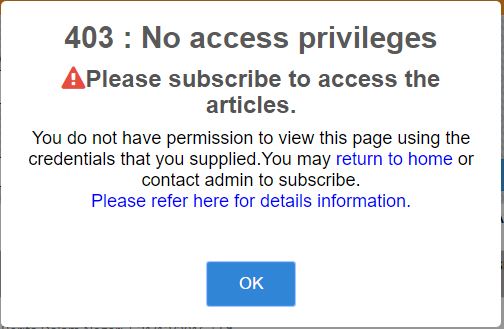
There are few possiblity reasons why you failed to log in. It is either you;

  1. Not Register to BLIS
  2. Your subsciption already expired
  3. You username and password did not match
  4. Your username has been blocked by Administrator


If you are having difficulty to log in, please contact our Administrator (here) for more help.


Click Login

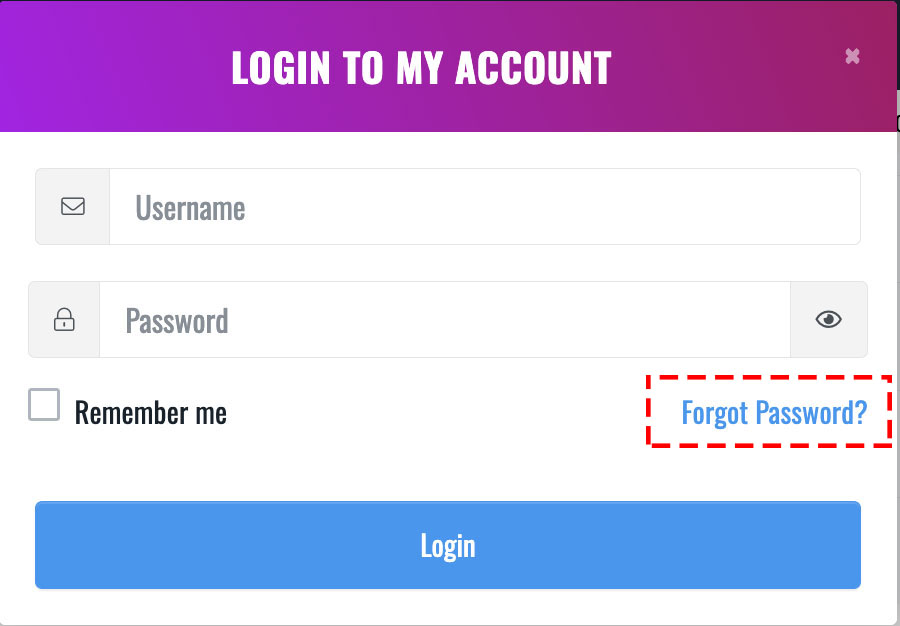
Step 1 Click on “Forgot Password” link
Step 2 Insert registered Username or Email
Step 3 Choose registered Security Question
Step 4 Answer the Security Question
Step 5 Click “Submit” button
Step 6 A new password will be send to user’s registered email
Video Tutorial

You can change your password if you are Trial User or Subscriber only. For bulk subscriber, you need to contact our Sales person or Administrator (here) to request for new password.


You need to login first to change your password.
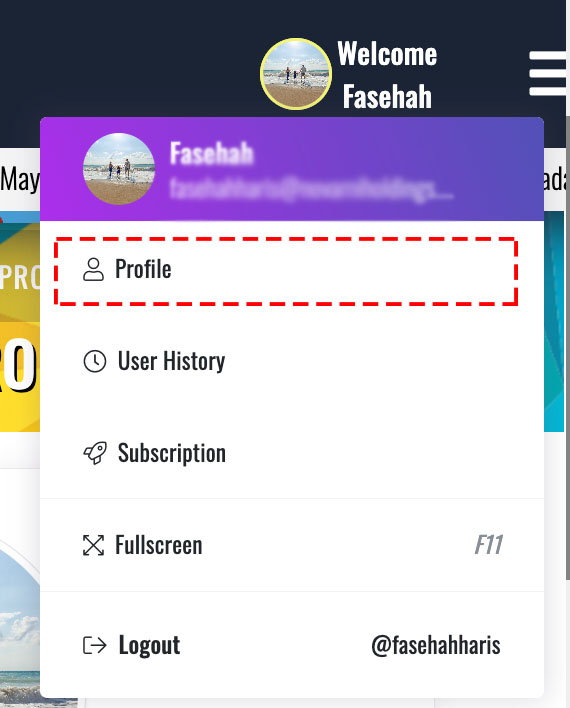
On the Top Right of screen


Step 1 Click on Profile icon
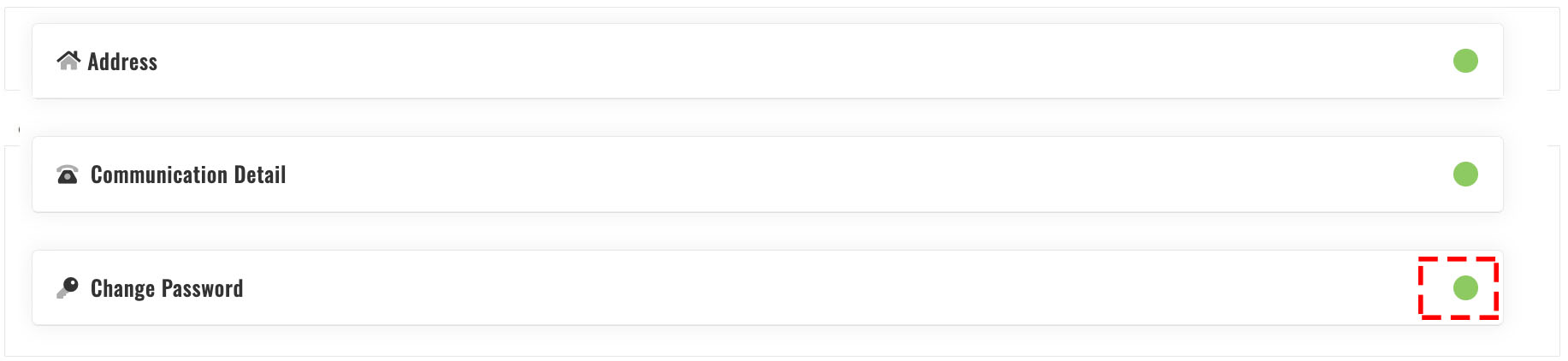
Step 2 Click Change Password


Step 3 Insert current password for verification
Step 4 Insert New password
Step 5 Insert Confirm New password
Step 6 Click “Save Changes” button


Video Tutorial

?>